How to Download Eudora 3.06
1. Get connected, open a web browser, and got to the address http://www.eudora.com . When the page finishes loading, click on the Freeware tab
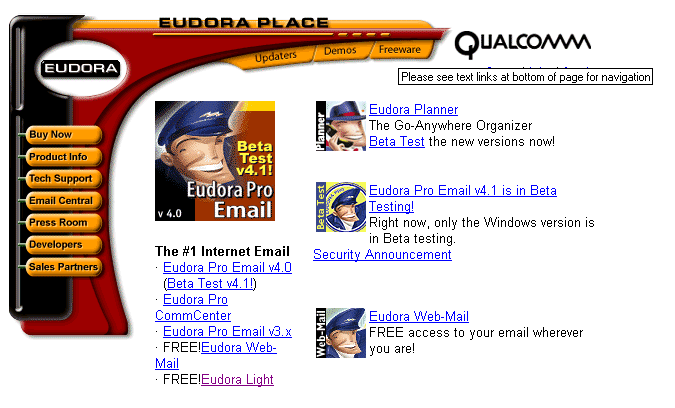
2. Click on the "Where is the Freeware?" link to be taken directly to the section you want.
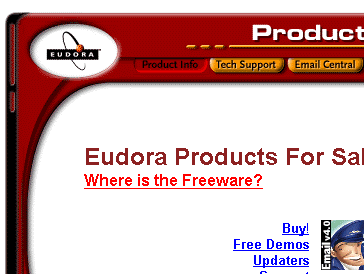
3. Now click on the "Eudora Light Email" link.
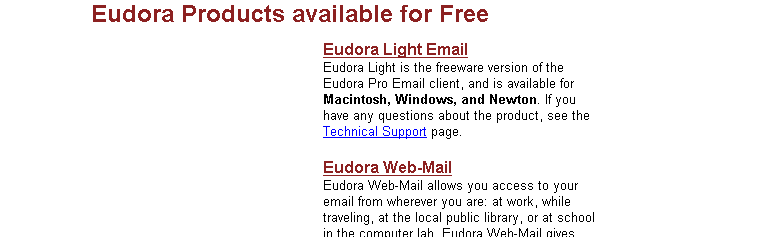
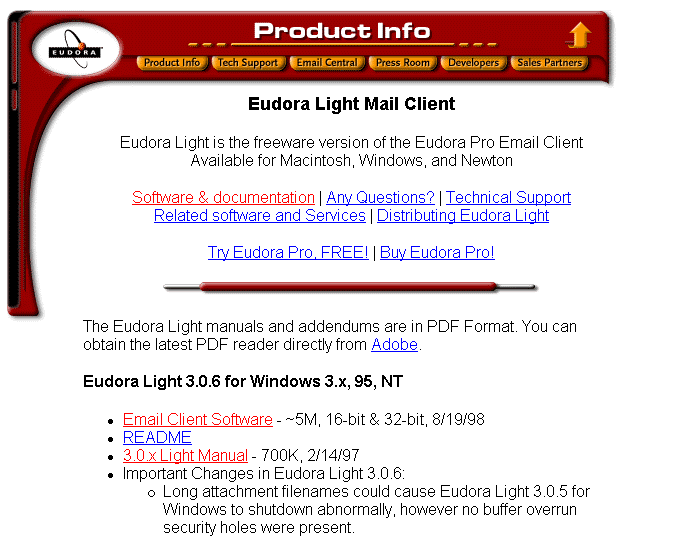
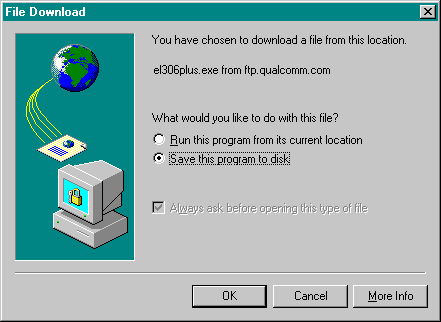
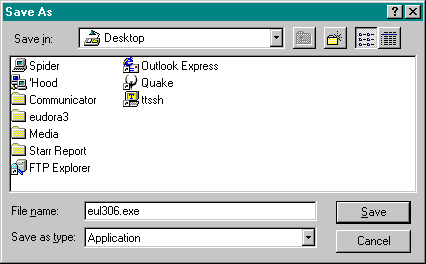
4. It will bring you to the "Eudora Light 3.0.6" Page. Select the program that you need (for instance, if you have a Mac, you will need to select the Macintosh version of your product) and click on the link next to it called "Email Client Software". This will begin the download process. I also highly recommend that you download the Eudora Light Manual, for your own information.