| Netscape Communicator 4.74 for Win/Mac |
 Overview |
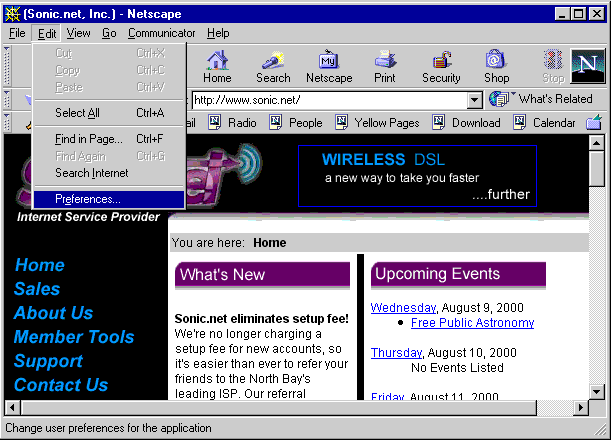 To access Netscape's preferences, first click on the "Edit" tab, and then click on "Preferences". |
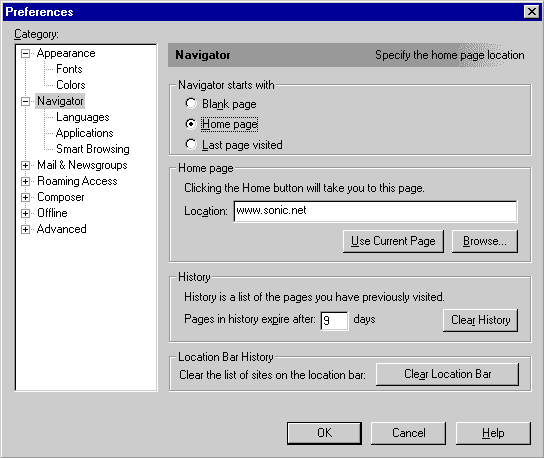 In the "Location" field, type the URL for the home page you would like. Now, click on the "+" next to the "Mail & Newsgroups" category in the column on the left side of the window. |
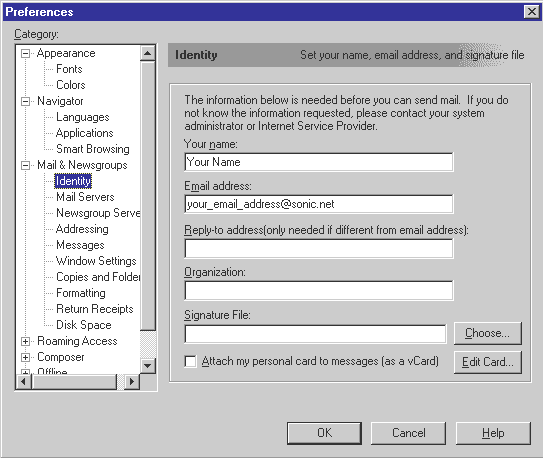 Click on "Identity", and then type in your name and email address. Click on "Mail Servers". |
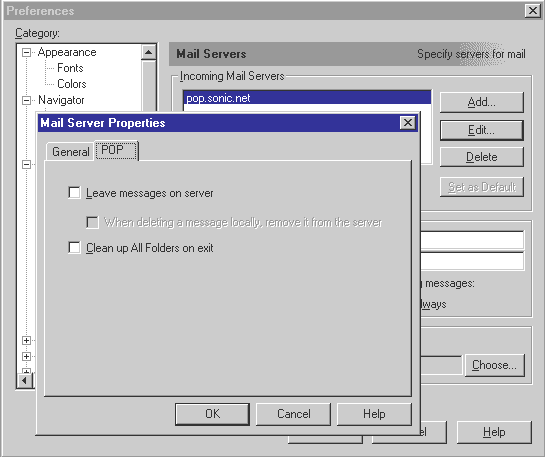
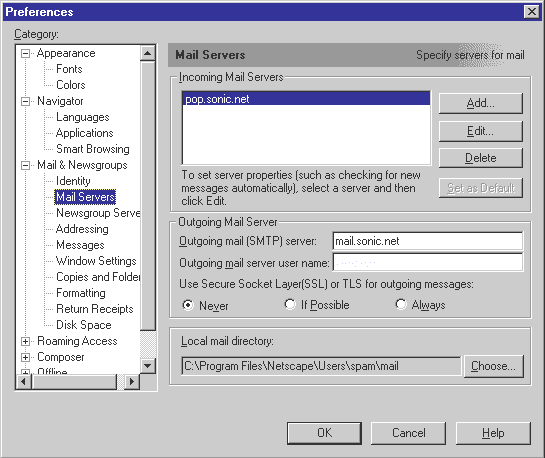 Type "mail.sonic.net" into the "Outgoing mail (SMTP) server" field. Next, click on pop.sonic.net, and then click on "Edit". If you are adding a new mail account, click on "Add". |
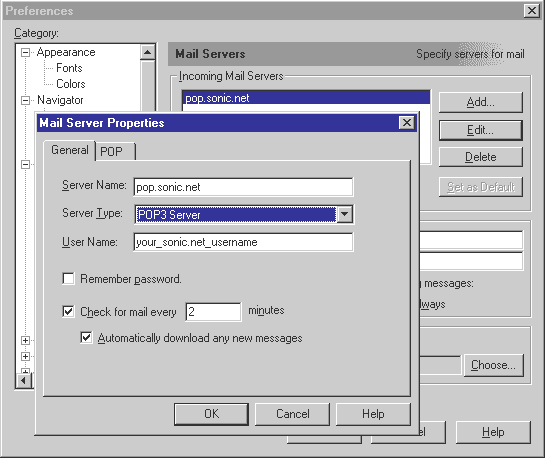 If you are configuring a primarey email account, type "pop.sonic.net" in the "Server Name" field. Now click on the "POP" tab at the top of the window. |
Click "OK". |
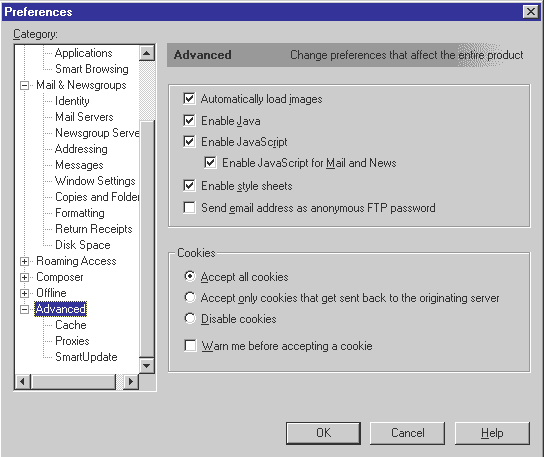
| The following
advanced screenshots may be used for
reference
Advanced Options |
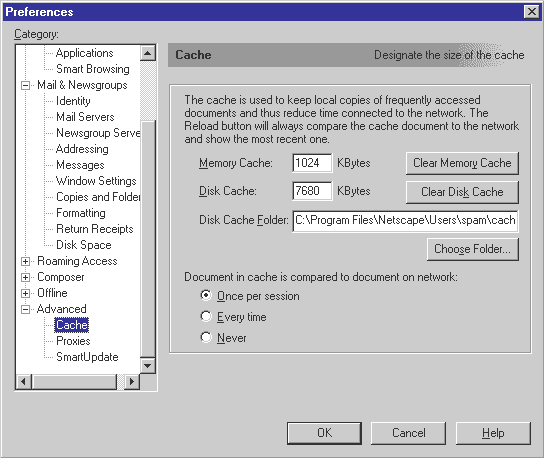 Caching Options |
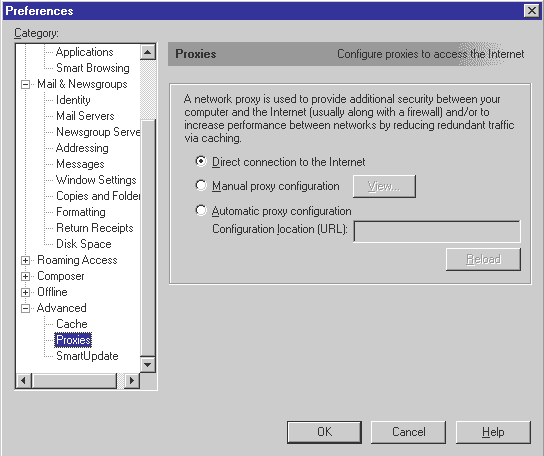 Proxy Options |