Mozilla Newsgroups
As well as being a web browser and mail client, Mozilla is a capable USENET news program as well.
-
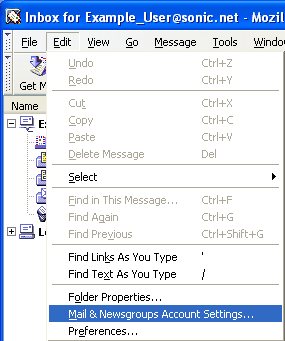
Open your Mozilla mail program. Click on the Edit menu and select "Mail & Newsgroups Account Settings..."
-
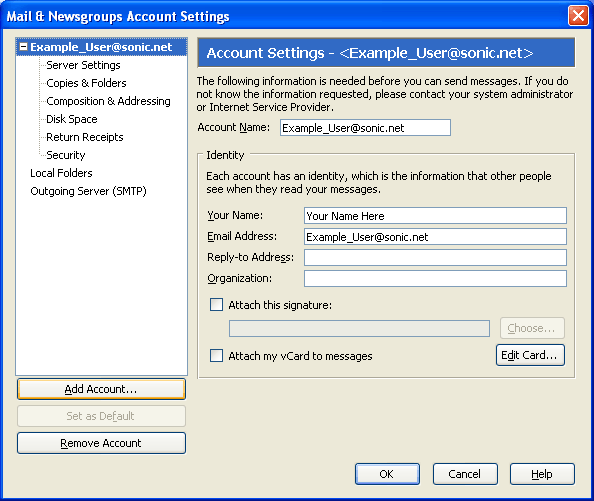
In the Account Settings window, click on the button labeled "Add Account..."
-
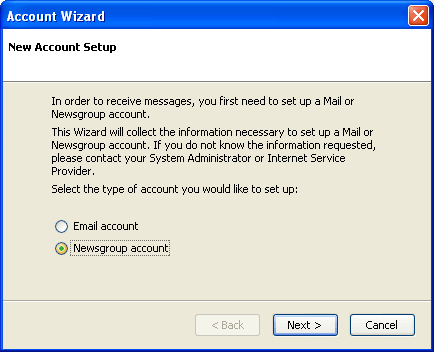
This will start the new account wizard. Select "Newsgroup account" and click "Next."
-
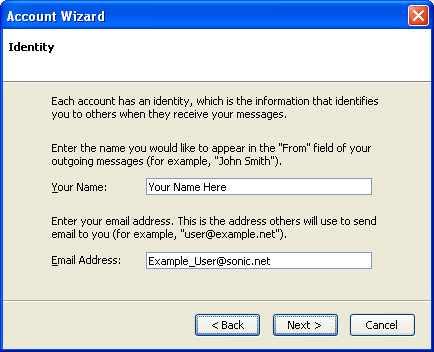
The Account Wizard will need your name and email address. If you already have email set up, Mozilla should automatically fill these in for you. Click "Next" to continue.
-
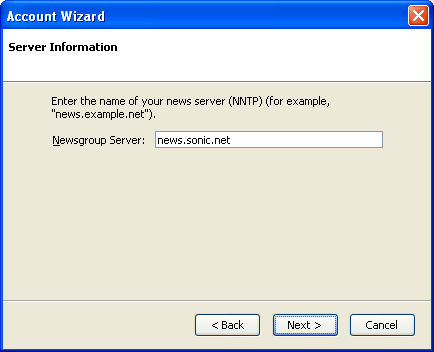
Enter "news.sonic.net" as the Newsgroup Server name. Click "Next" to continue.
-
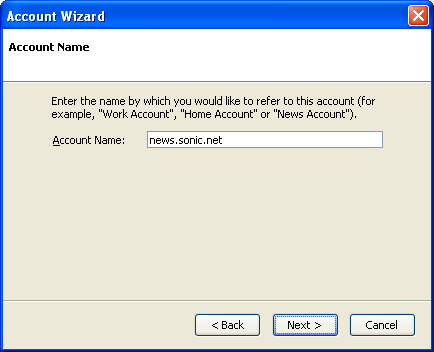
Click "Next" to continue.
-
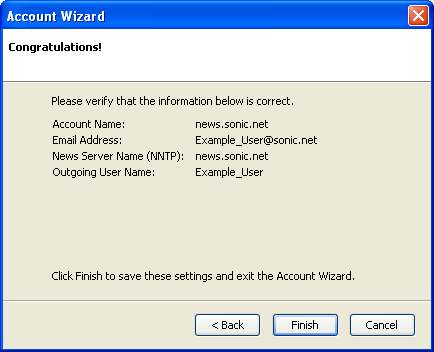
Confirm your name, email address, and news server name. Click "finish" to conclude.